When you’re responsible for coordinating 30, 300, or 3,000 employee headshots, the real cost isn’t just the photographer—it’s disruption. Rooms get booked, calendars collide, brand teams worry about consistency, and someone always needs a retake. The question smart marketers ask is simple: How do we get uniform, on-brand portraits—fast—without sacrificing quality?
Short answer: a tightly controlled capture workflow paired with production-grade AI that accelerates the slow parts you don’t want humans doing by hand.
Below is how we structure group headshot projects so you get speed, consistency, and executive-level finish—on location or in studio.
What “AI-accelerated” Actually Means in Headshot Production
AI isn’t a magic filter; it’s a set of targeted, measurable accelerators inside a disciplined production pipeline.
Where AI helps most
Scheduling & throughput modeling: We simulate traffic flow (arrival→grooming→capture→approval) to right-size crews and booths.
Pose & expression guidance: Real-time prompts analyze micro-expressions to reduce reshoots and deliver “approvable” frames faster.
Background and crop uniformity: Automated edge detection and matting keep every portrait aligned to brand spec (aspect ratio, headroom, eye line).
Batch color and skin-tone balance: Scene-aware matching gives consistent color across different shoot days, locations, and lighting.
Spec compliance at scale: File naming, metadata, and multi-output renditions (web, LinkedIn, directory, signage) render automatically.
Quality triage: AI flags reflections in glasses, stray hairs, lint, or uneven collars before talent leaves set.
Where humans stay in charge
Lighting design, lensing, direction, rapport, and final aesthetic calls. AI proposes; humans decide.
1. What is Product Photography? Product photography involves capturing images of products for commercial use, such as advertisements, catalogs, online stores, and promotional materials. The goal is to present products in an attractive and accurate way that highlights their features and benefits to potential customers.
High-quality images create a strong first impression and are crucial for online shopping where customers rely on visuals to make purchasing decisions.
2. Why is Professional Product Photography Important? Professional product photography enhances the perceived value of products, attracts more customers, and can significantly increase sales. High-quality images create a strong first impression and are crucial for online shopping where customers rely on visuals to make purchasing decisions.
3. What Types of Products Do You Photograph? We photograph a wide range of products, including but not limited to, electronics, fashion items, jewelry, food, furniture, and industrial equipment. We tailor our approach based on the specific requirements and characteristics of each product.
4. How Do You Ensure the Product Looks Its Best in Photos? We use professional lighting, high-resolution cameras, and specialized equipment to capture products in the best possible way. Our post-production process includes editing and retouching to correct any imperfections and enhance the overall appearance of the product.
5. Do You Provide On-Location Photography Services? Yes, we offer both studio and on-location photography services. Whether you need a controlled studio environment or want to showcase your products in a real-world setting, we can accommodate your needs.
6. How Long Does a Product Photography Session Take? The duration of a product photography session depends on the number and complexity of the products being photographed. A simple shoot may take a few hours, while a more extensive session could span a full day or more. We provide a detailed timeline after assessing the project scope.
7. What Are Your Rates for Product Photography? Our rates vary based on the project requirements, including the number of products, the complexity of the shoot, and the extent of post-production work needed. We offer competitive pricing and customized quotes to fit different budgets.
8. Can You Help with Styling and Props? Absolutely. We can assist with product styling and sourcing props to create the desired look and feel for your photos. Our goal is to ensure your products are presented in the most appealing and contextually appropriate manner.
9. What File Formats Do You Provide? We deliver high-resolution images in various file formats, including JPEG, PNG, TIFF, and others as needed. We ensure that the final images are optimized for your specific use cases, whether for print, web, or social media.
10. Do You Offer Post-Production Services? Yes, we provide comprehensive post-production services, including color correction, retouching, background removal, and image enhancement. Our editing team ensures that the final images meet your exact specifications.
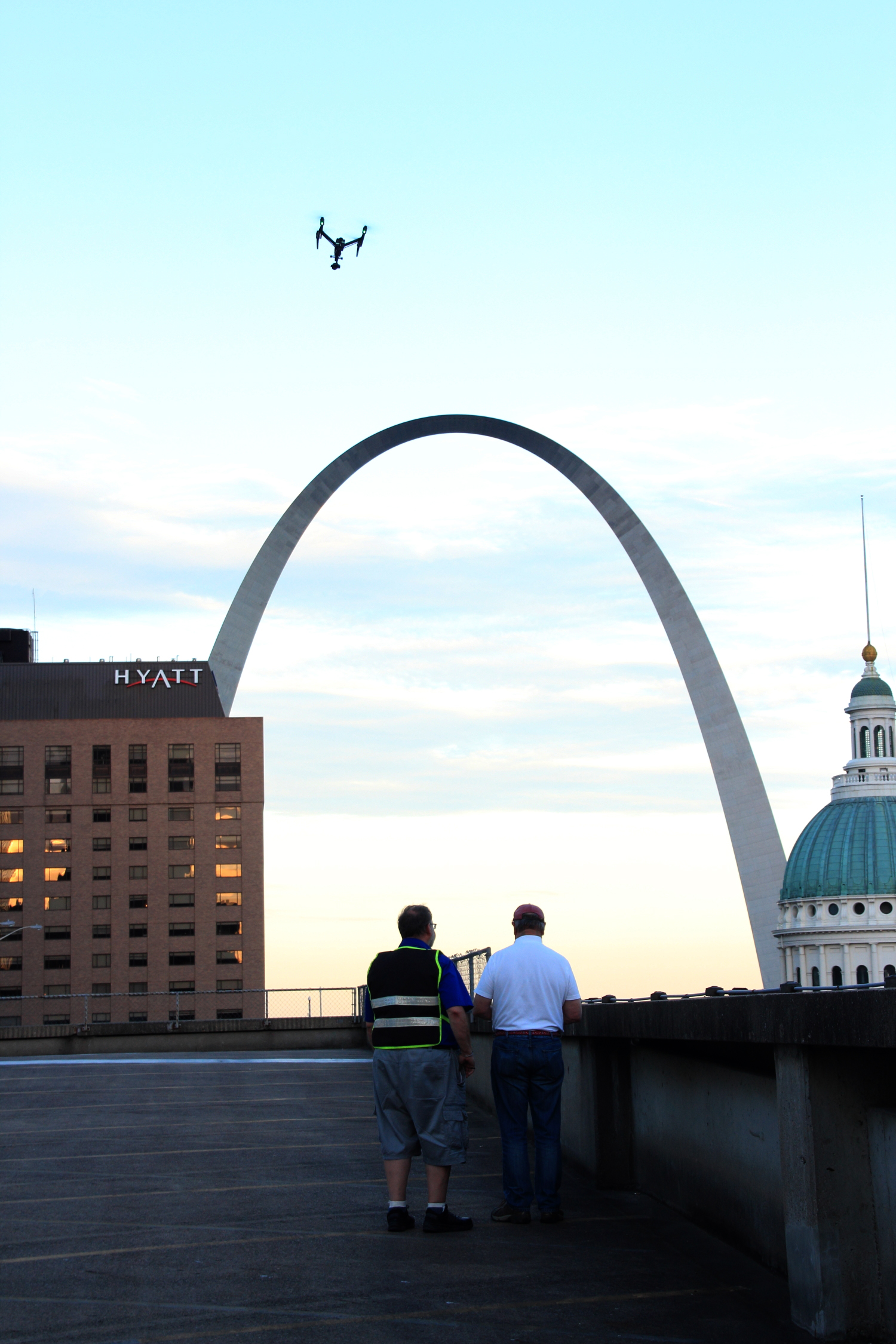
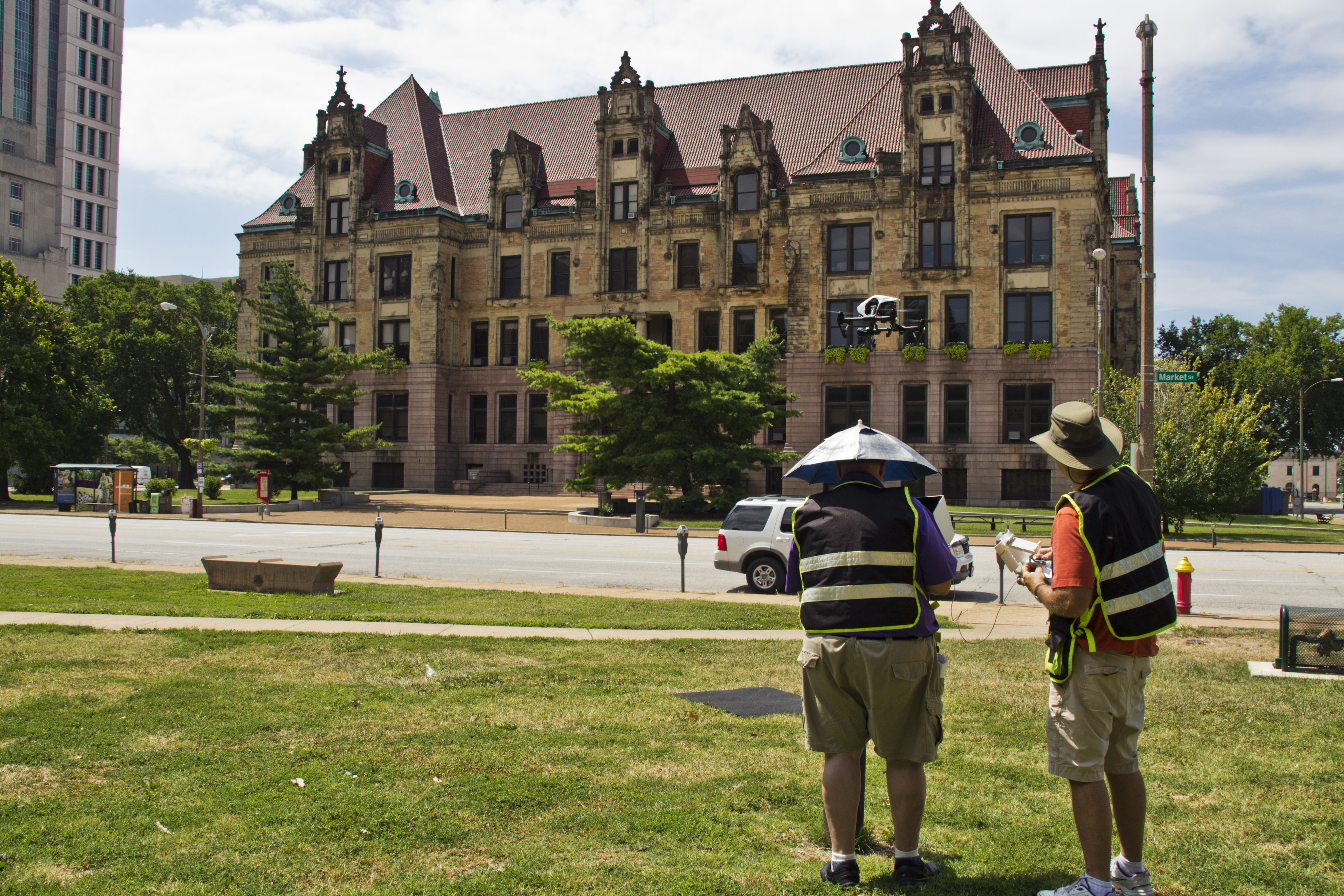
At St Louis Photographers, we are a full-service professional commercial photography and video production company with the right equipment and creative crew to ensure successful image acquisition. We offer comprehensive studio and location video and photography services, as well as editing, post-production, and licensed drone pilots. Our team can customize productions to meet diverse media requirements and specialize in repurposing photography and video branding for greater traction.
We are well-versed in all file types and styles of media and the accompanying software. Our private studio setup is ideal for small productions and interview scenes, and it is large enough to incorporate props to round out your set. We provide everything from a custom interview studio setup to sound and camera operators, and our specialized drones can even be flown indoors.
As a full-service video and photography production company, St Louis Photographers has worked with many businesses, marketing firms, and agencies in the St. Louis area for their corporate photography and video needs. Our extensive experience and dedication to quality ensure that your next video production will be perfect.
Among the many enchanting lighting conditions, the “golden hour” holds a special place for photographers. Golden hour photography refers to the period shortly after sunrise and just before sunset when the sun is low on the horizon, casting a warm and soft glow across the landscape. This magical time offers an unparalleled opportunity to create visually captivating and emotionally evocative photographs. In this comprehensive guide, we will delve into the art of golden hour photography, providing you with tips, techniques, and insights to make the most out of this enchanting lighting.
To make the most of the golden hour, it’s essential to plan ahead and be at the desired location well before the magic begins.
Understanding the Golden Hour
The golden hour occurs twice a day, around sunrise and sunset, and is characterized by its soft, warm, and diffused light. During this time, the sun is at a low angle, passing through more of the Earth’s atmosphere, which scatters the harsher blue wavelengths and leaves the warm red, orange, and yellow tones dominant in the scene. This results in beautifully illuminated subjects with long, soft shadows that add depth and dimensionality to the photographs.
Golden Hour Timing
The exact timing of the golden hour can vary based on the geographical location and the time of year. In general, it occurs in the first hour after sunrise and the last hour before sunset. However, the duration can be shorter or longer, depending on the season and your proximity to the equator. To make the most of the golden hour, it’s essential to plan ahead and be at the desired location well before the magic begins.
Weather Considerations
While the golden hour is often associated with clear, cloudless skies, a partly cloudy sky can add drama and texture to your photographs. The interplay of light and shadow on the moving clouds can create breathtaking scenes. Keep an eye on weather forecasts, and don’t be discouraged by a few clouds; they might just enhance your images.
Tips for Golden Hour Photography
Capturing the essence of the golden hour requires both technical skill and creative vision. Here are some expert tips to help you make the most of this magical time:
1. Plan Ahead
Scout locations in advance and determine the best vantage points for your photography. Use apps or websites that can help you track the sunrise and sunset times for your specific location. Being prepared and arriving early at your chosen location will give you time to set up and compose your shots.
2. Use a Tripod
Shooting in low light conditions during the golden hour might require longer exposure times. To avoid camera shake and maintain sharpness in your images, use a sturdy tripod. This also enables you to take multiple shots with varying settings without changing the composition.
3. Choose the Right Settings
In manual mode, adjust your camera settings to control the exposure and achieve the desired effects. Start with a low ISO to reduce noise, a wide aperture (low f-stop) for a shallow depth of field and beautiful bokeh, and a slower shutter speed to allow more light into the camera.
4. Utilize Silhouettes
Create captivating silhouettes during the golden hour by positioning your subject against the bright background. Expose for the brighter elements in the frame, and your subject will appear as a striking dark shape against the warm, glowing sky.
5. Experiment with White Balance
The golden hour offers a beautiful warm color temperature naturally, but don’t be afraid to experiment with white balance settings. Adjusting the white balance can alter the mood of the photograph, making it cooler or warmer, depending on your artistic intent.
6. Compose with Leading Lines
Golden hour lighting accentuates leading lines, creating a strong sense of depth and guiding the viewer’s eyes through the photograph. Incorporate leading lines into your composition to add interest and draw attention to your subject.
7. Capture Reflections
If you’re near a body of water, take advantage of the golden hour’s soft light to capture stunning reflections. Calm waters can turn into mirrors, reflecting the rich colors of the sky and surroundings.
8. Embrace Lens Flares
When shooting directly into the sun during the golden hour, lens flares can add a dreamy and ethereal quality to your images. Use them strategically to enhance the mood and aesthetics of your photographs.
9. Shoot in Burst Mode
As the light changes rapidly during the golden hour, shooting in burst mode allows you to capture a series of shots with subtle variations in lighting and composition. This gives you more options to choose from during post-processing.
10. Post-Processing Magic
While capturing the magic of the golden hour is crucial, post-processing can enhance the beauty of your images further. Adjusting the contrast, saturation, and highlights can bring out the full potential of the warm, glowing light.
Conclusion
As you embark on your golden hour photography journey, remember that practice and experimentation are key to mastering this enchanting lighting. With the right preparation, technical know-how, and creative vision, you can create awe-inspiring photographs that evoke emotion and leave a lasting impression on your audience.
At St Louis Corporate Photographers, we are passionate about photography in all its forms, and the golden hour is one of our favorite times to capture mesmerizing images. As experienced photographers, we have created hundreds of photo productions for all types of large and small companies in the St. Louis region. Whether you need captivating images for your branding, marketing communications, or any other corporate needs, we are here to help.
Contact St Louis Corporate Photographers today to discuss how we can bring your vision to life with our full-service photography studio. From production and formatting to editing and multimedia services, we are well-versed in all aspects of photography and video production. Let us be your partner in creating stunning visuals that elevate your brand and make a lasting impact on your audience.
Capture the magic of the golden hour with St Louis Corporate Photographers and elevate your brand’s visual storytelling!
Start organizing your photos today and enjoy the benefits of a streamlined and accessible media library.
In today’s digital age, organizing photos in your corporate media department has become essential for efficient workflow and easy retrieval of visual assets. Whether you rely on AI software or smart culling techniques, here are some of the best ways to streamline your photo organization process.
Delete Unnecessary Photos When dealing with digital photos, it’s crucial to eliminate clutter by deleting unnecessary images. Consider removing photos that fall under the following categories:
a) Duplicates: Similar-looking photos that serve no purpose in your collection. b) Bad photos: Out-of-focus shots, accidental snapshots, poorly composed images, or unflattering pictures should be discarded or moved to an outtakes folder. c) Non-photo files: Memes, irrelevant graphics, and random files that accidentally find their way into your archive should be removed during the culling process.
Remember, if you’re uncertain about certain photos, postpone their deletion. Sorting through older images first can provide you with a fresh perspective, making it easier to objectively evaluate newer photos.
Efficient Photo Culling Culling, the process of sorting through photographs and selecting the best ones, is a vital step in organizing your media library. Consider utilizing software programs that facilitate this task, such as:
a) Adobe Lightroom b) Photo Mechanic c) ACDSee Photo Studio Ultimate d) AfterShoot
Experiment with different programs to find the one that suits your needs and simplifies your workflow.
Establish a Photo Organization Schedule Organizing photos can be time-consuming, especially when dealing with a large volume of images. To avoid overwhelming yourself and ensure consistent organization, create a schedule for sorting your photos. Some photographers prefer organizing their images monthly, while others do it every two months. Establish a specific date or interval that works for you, making it easier to stay on top of your photo organization, regardless of your busy schedule.
Leverage AI Software for Time Savings If time constraints prevent you from manually culling and deleting photos, consider using AI software to automate the process. AI-powered tools, like Excire, can swiftly analyze and categorize your photos, enabling you to organize them efficiently within a short period. Excire also offers features like automatic identification of bad photos and object detection, enhancing the searchability of your collection.
Thoughtful Folder Structure Creating a well-designed folder structure is crucial for efficient photo organization. Avoid simply dumping all photos into a generic “Archive” folder, as it can lead to digital clutter. Instead, tailor your folder structure to your specific needs as a corporate media department. Here are some organizational ideas:
a) By Date: Follow the approach used by smartphone camera rolls, creating albums or folders for each month or year. b) By Project: If you frequently work on projects, such as weddings or collaborations, create dedicated folders for each project. Consider adding sub-folders for different stages or timeframes within each project. c) By Location: If location is important to your work, organize photos based on the places they were taken. Create folders for cities or regions you frequently visit for easy searching later on. d) For Printing: To facilitate printing or photo album creation, keep a separate folder for photos you intend to print or store in physical format.
Reliable Online Storage Solutions To avoid overburdening your computer’s storage capacity, consider using external drives or cloud-based storage platforms for your photo collection. Here are some popular cloud storage options:
a) Google Photos: Ideal for quick photo locating and editing. b) Google Drive: Suitable for storing various media files, including photos, videos, documents, and more. c) Dropbox: Known for its user-friendly interface and offering substantial storage space for premium users. d) Amazon App: If you’re an Amazon Prime user, the Amazon Photos app can be a convenient option, although it has limited free storage. e) SmugMug: This platform offers more than just storage; it provides an all-in-one photo website management system with storage, sharing, and an easy-to-use sales platform.
To ensure the safety of your photos, it’s recommended to store them on an external hard drive while also using a cloud backup service like Dropbox. This way, even if your external hard drive is lost or damaged, you’ll have a backup copy of your images.
Organizing Printed Photos When dealing with printed photos, it’s important to handle them with care to preserve their quality and longevity. Here are some tips for organizing printed photos:
a) Use high-quality photo paper: Opt for professional-grade photo paper to enhance the viewing experience and make the storing process easier.
b) Label your photos: For a large number of printed photos, write the date, location, and other important information on the back of each photo using an acid-free pen or pencil.
c) Store in acid-free envelopes: Use acid-free envelopes to provide an extra layer of protection for your printed photos. Store multiple photos from the same date or location in the same envelope.
d) Consider photo boxes or albums: Use photo boxes or albums to store and organize your printed photos. Photo boxes are practical for easy access, while albums can be a great option if you have a larger number of photos to store.
e) Avoid humid areas and direct sunlight: Store your printed photos in a dry, cool environment away from direct sunlight to prevent damage from moisture and light exposure.
Order Photo Books If you have a substantial collection of photos that you don’t want to print individually, creating a photo book can be a fantastic solution. Photo books offer a fun and personalized way to store and showcase your photos. They are durable and less fragile compared to individual prints, making them easy to store and share.
To create a photo book, design your layout and select a photo book website that suits your needs. Choose whether you prefer one photo per page or collages, depending on your aesthetic preferences. Many local and international companies offer affordable yet high-quality photo book printing services, such as Mixbook, Blurb, Photobook Genius, and MILK Books.
Remember to review the shipping regulations of each website before starting the book design process, as some companies may have geographical restrictions.
In conclusion, organizing your photos in your corporate media department is essential for efficient workflow and easy access to visual assets. By deleting unnecessary photos, utilizing AI software, establishing a schedule, and creating a thoughtful folder structure, you can effectively manage your digital collection. Additionally, take care of your printed photos by using high-quality paper, labeling them, and storing them properly. Consider ordering photo books for a professional and personalized way to store and share your photos. Start organizing your photos today and enjoy the benefits of a streamlined and accessible media library.
We are a full-service Commercial Photography Studio – Multi-Media production house featuring Still Photography, Professional Audio & Video.
We help you create brand awareness The first part and number one goal of marketing is awareness! We are a commercial photographer that’s what we do, help sell your product, service, story, brand, idea or concept. Our photography and video is used in corporate brochures, marketing, advertising and websites. There is a wide range of commercial photography types, such as food, product, people, architecture and event. We Create Brand Awareness through imagery.
We Bring Your Story to Life: Every brand has a unique story to tell. Tell your story with passion and it can unlock the power to inspire, motivate and excite – and when customers get excited about a brand, they buy.
We are ready to handle your On-Line and Print image needs! Whether it’s for advertising, editorial, commercial, product, food, or event photos. From an onsite shoot of your office for your website to a new head shot for a brochure, we’ve got you covered. Even better; all of our photo & video services are available on location.
Mike Haller, Senior Shooter stlouislocations@gmail.com 314-913-5626 4501 Mattis Road St. Louis, MO 63128
St Louis Corporate Photographer, Mike Haller, and crew covers the entire commercial photography field. They have worked alongside physicians in hospitals, photographing patients in the operating room, emergency room or patient rooms. When a client needs ad, for publication, they are at their disposal. Commercial, corporate and live events can also count on them to provide for special occasions. We are location and studio photographers. We bring the studio to you or you can come to us.
Corporate and editorial clients include businesses of all sizes. Assignments have included warehouses, high-tech medical labs, professors and students in classrooms, television studios, artist and fashion workshops. He has photographed for brochures, advertisements and thousands of websites.
st louis corporate medical photographers
Mike Haller, Senior Shooter
stlouislocations@gmail.com
314-913-5626
4501 Mattis Road St. Louis, MO 63128

















 St Louis Corporate Photographers